How to Actually Get a Decent Bird Photo With Just Your Phone
Quick Answer: Bracing your arms against a solid surface, using burst mode instead of single shots, and getting as physically close as the bird tolerates before zooming digitally — rather than relying on digital zoom from a distance — are the three techniques that make the biggest difference in phone bird photography.
Most blurry, disappointing bird photos aren’t a camera limitation — they’re a technique gap that’s fixable without spending anything.
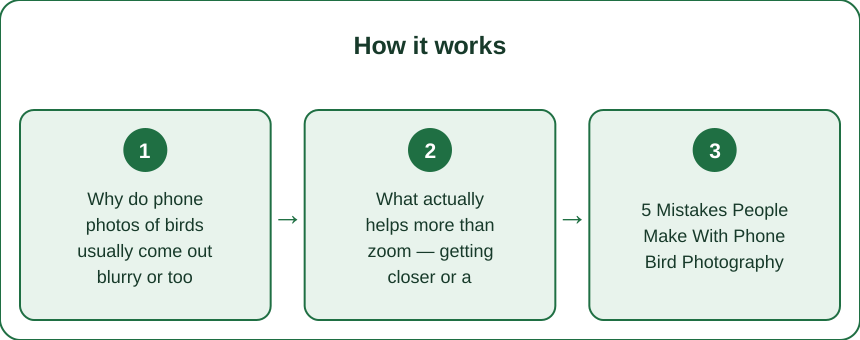
Why do phone photos of birds usually come out blurry or too small?
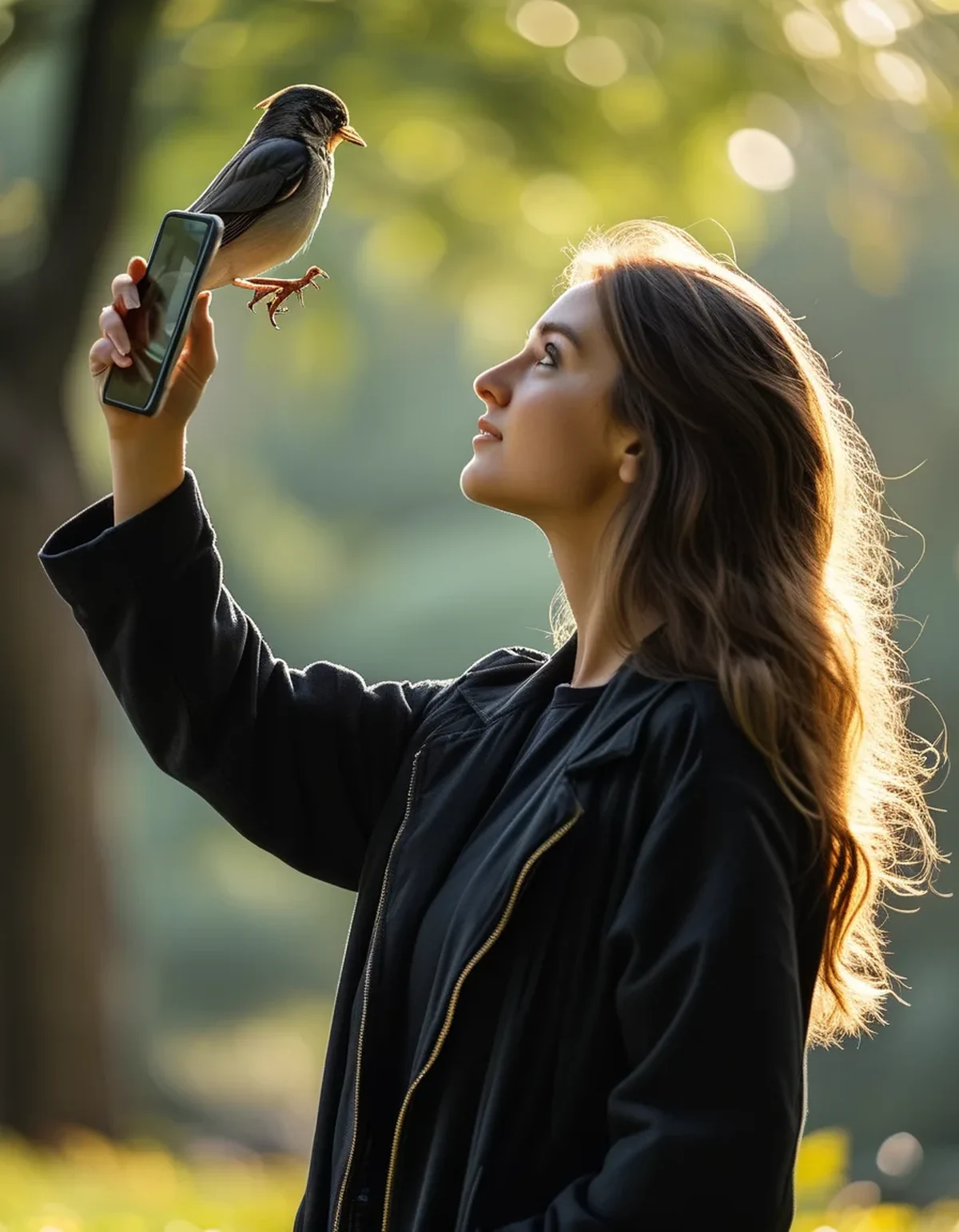
Two compounding issues: digital zoom from a distance degrades image quality fast on phone cameras specifically (unlike optical zoom on dedicated cameras), and handheld phones shake more than most people realize at zoomed-in focal lengths, which shows up as blur especially in lower light.
What actually helps more than zoom — getting closer or a better angle?
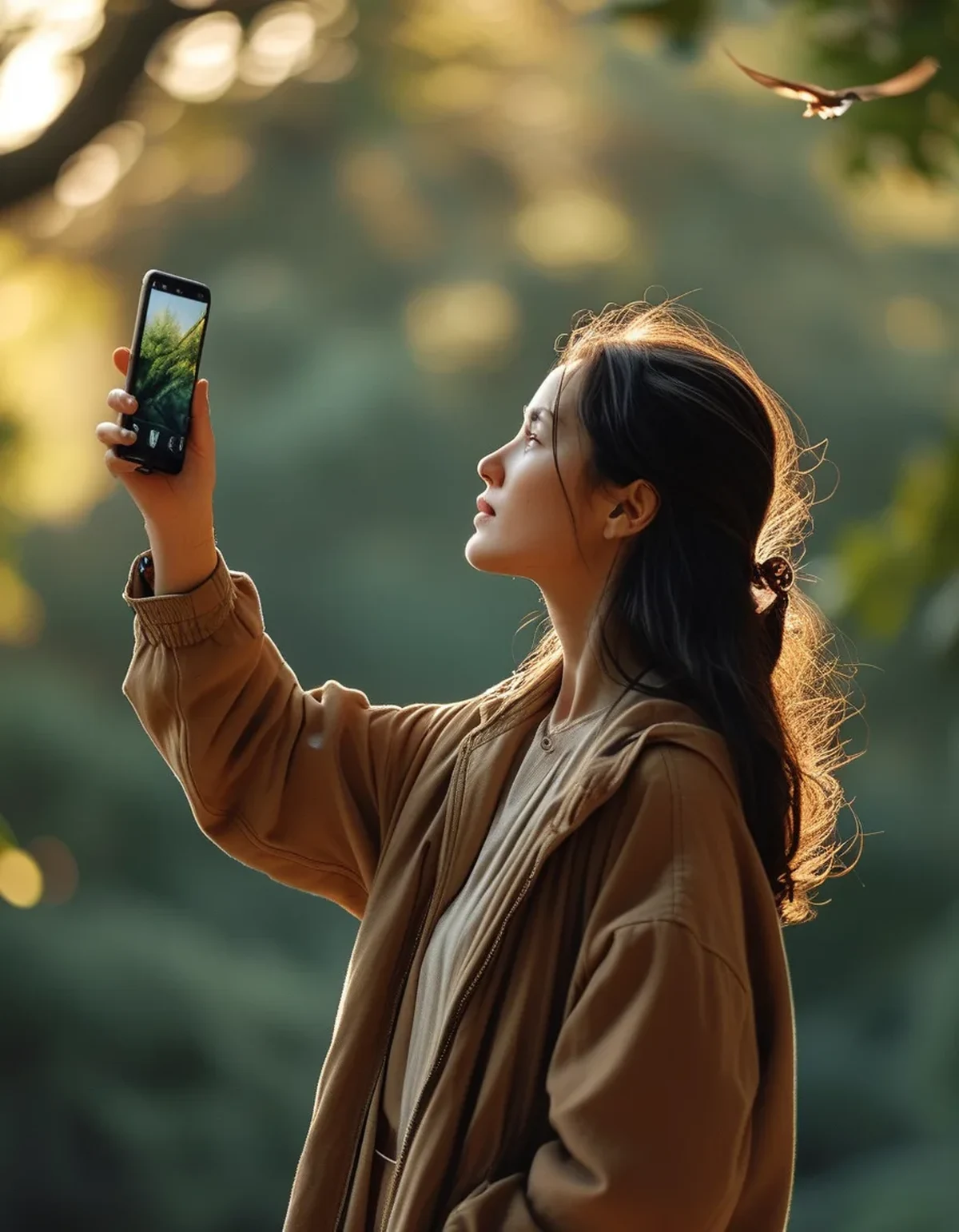
Getting physically closer, even by a few feet, matters more than zoom level for image quality, since less digital zoom means less quality loss. Moving slowly and pausing periodically (rather than walking directly at a bird) usually allows closer approach than most people expect before the bird flies off.
5 Mistakes People Make With Phone Bird Photography
1. Zooming in fully from far away instead of approaching closer first.
2. Taking single shots instead of burst mode, missing the split-second of a clear pose or wing position.
3. Shooting directly into bright sky, which underexposes the bird into a silhouette — repositioning so the sky isn’t directly behind the bird fixes this instantly.
4. Not bracing arms against something stable (a tree, a fence post, your own braced elbows) which meaningfully reduces handheld shake.
5. Editing crop too aggressively after the fact, which reveals how much quality was actually lost to zoom — better to get closer in person than fix it later in editing.
Does burst mode actually make a meaningful difference?
Yes, substantially — birds move in fractions of a second, and a single well-timed shot from a burst sequence (holding the shutter button, which most phones interpret as rapid-fire capture) dramatically increases the odds of catching a sharp, well-posed frame compared to a single manually-timed shot.
FAQ: Phone Bird Photography Questions, Answered
Do I need a special phone case or lens attachment?
Not for basic improvement — clip-on zoom lenses exist and can help, but the free techniques (bracing, burst mode, distance management) produce a bigger improvement for most beginners than any accessory purchase.
How close can I actually get to most birds before they fly off?
It varies hugely by species and location — birds in urban parks accustomed to people often tolerate much closer approach than birds in less-visited natural areas, so moving slowly and reading the bird’s body language matters more than a fixed distance rule.
Should I edit my bird photos afterward?
Light editing (brightness, slight crop, contrast) is fine and normal — the goal is just not relying on heavy digital crop to compensate for a photo taken from too far away.
TL;DR:
- Getting physically closer beats zooming in from a distance for image quality
- Burst mode catches the split-second sharp frame that single shots miss
- Brace your arms against something stable to reduce handheld shake
- Reposition so bright sky isn’t directly behind the bird to avoid silhouettes
Technique, not gear, is what separates a blurry speck from a recognizable bird photo on a phone.
Keep Reading
This article is for general informational and styling purposes only. Fit, sizing, and product availability may vary.